 Puresys纯净系统-软件下载
介绍
官方网站:https://getgreenshot.org/
Greenshot 是一款轻量级且功能强大的开源截图工具。它不仅支持全屏、窗口和自定义区域的截图,还提供了丰富的编辑功能,让用户可以在截图后立即进行注释、裁剪和模糊处理等操作。Greenshot 的界面简洁直观,即使是初次使用的用户也能迅速上手。
软件截图
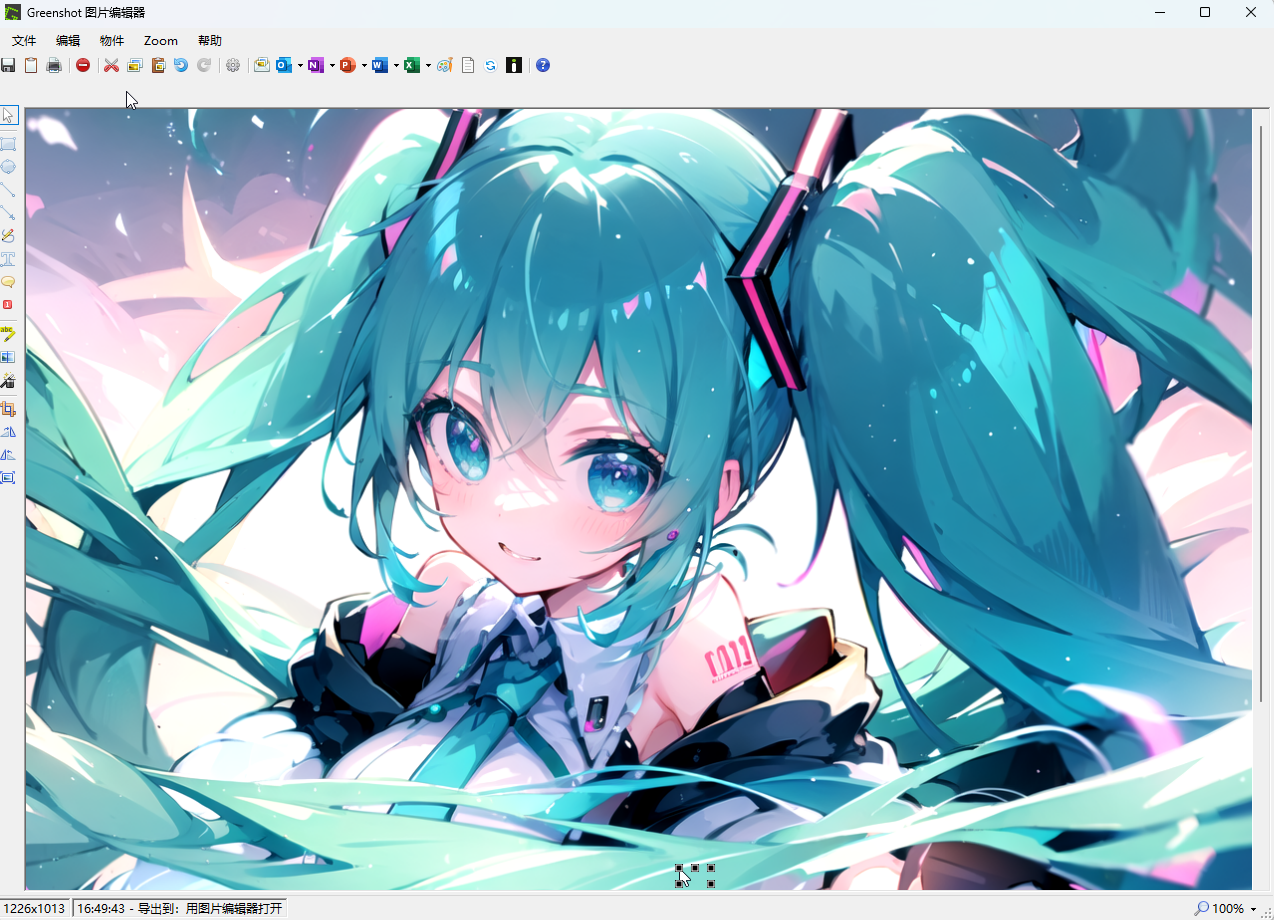
软件特点
1、添加方框和椭圆。你可以设置这些添加的图形是否有边框,填充的颜色是什么,还能够更改透明程度哦。这样就不会完全遮住背景,成为绚丽的加亮。边框的粗细也可以调节,默认是1px。
2、绘制直线和箭头。箭头可以两端都有,或者只有一端。
3、添加文字。文字区域也可以调节背景颜色。
4、高亮显示。这个功能一共有四个模式。高亮文字(用颜色突出选定区域)、高亮区域(模糊未被选定的所有区域)、灰阶(为选定区域黑白)和放大(大放选定区域)。
5、如果你想要对部分图片打马赛克,可以使用模糊功能。
以上5种功能中,1和3在其他同类软件中是非常少见的。而如果你使用熟练的话,那么会给你的截图增色不少。
或者你非常喜欢这个软件自带的图片编辑器,那么“从文件载入图片”这个右键菜单,就可以用它来编辑任何图像了。
更新日志
v1.3.328
Security
Fixed a security issue where Greenshot sent the user's Windows credentials to any server it requested content from, so a malicious image URL could trigger an automatic NTLM authentication exchange. Reported by @Y4k150b4; fixed by @Lakritzator (Robin Krom) and @jklingen in commit 5b7dca1. GHSA-gjcr-pccx-w2vg
Installer & Upgrades
All executables and DLLs shipped with Greenshot, including plugins and third-party libraries, are now code-signed, so Windows Smart App Control no longer blocks unsigned files — by @Lakritzator (Robin Krom) and @jklingen in PR #1505
Bug Fixes
Fixed a crash that could occur when Windows could not create a toast notifier — by @Lakritzator (Robin Krom) in PR #1515
Technical Details
Release scope: This is the 11th stable release of the 1.3 series. Versions 1.3.324 to 1.3.327 were intermediate builds; their changes are rolled into this release.
Full Changelog: v1.3.323...v1.3.328



是安装包