 Puresys纯净系统-软件下载
介绍
Netcatty 是一款现代化、GPU 加速的 SSH 客户端、SFTP 浏览器和终端管理器。专为 macOS 和 Windows 设计。
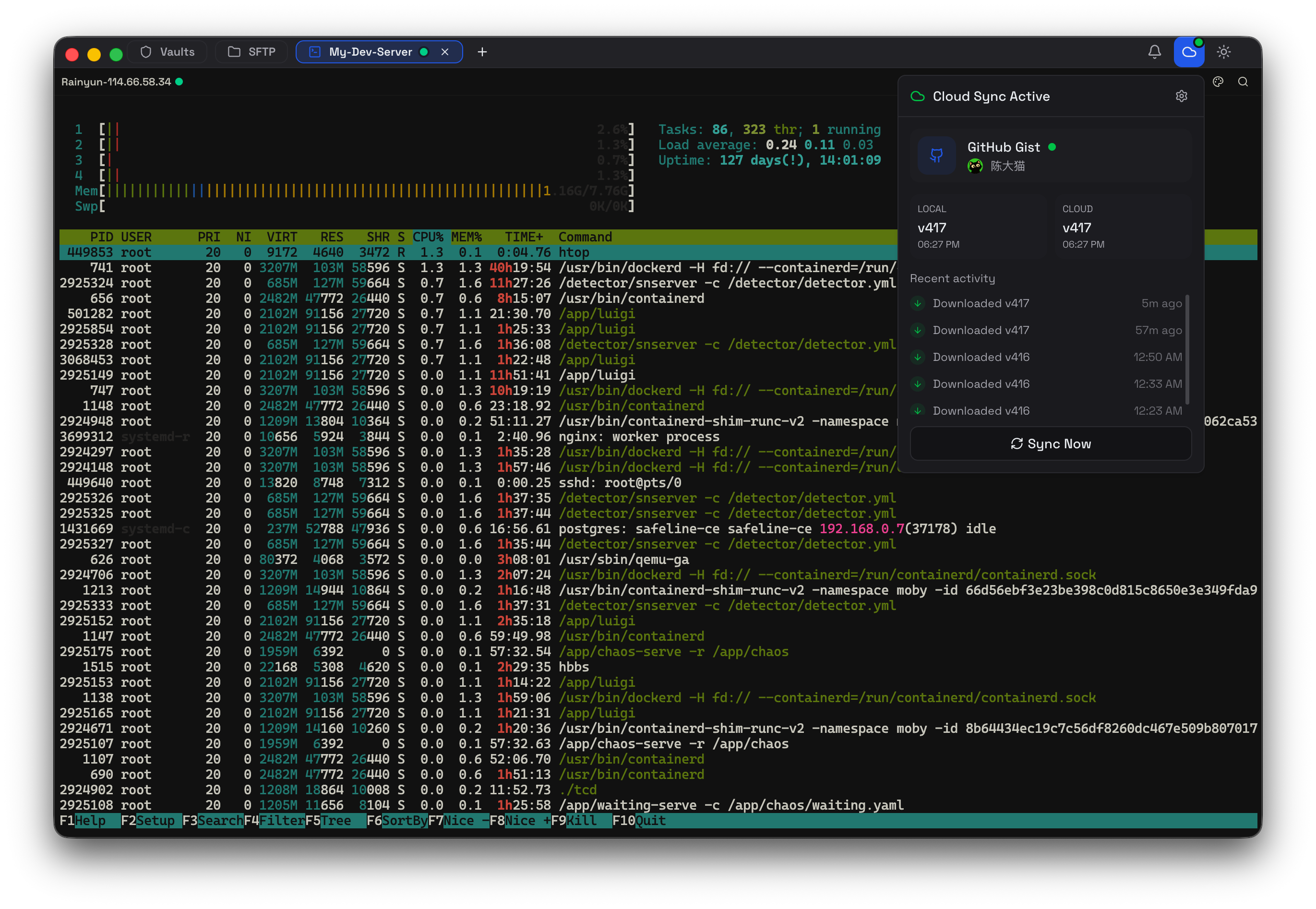
软件截图
软件特点
Vault
多种视图 —— 网格 / 列表 / 树形
快速搜索 —— 迅速定位主机与分组
终端工作区
分屏 —— 水平/垂直分割,多任务并行
多会话管理 —— 多连接并排处理
SFTP + 内置编辑器
文件工作流 —— 拖拽上传/下载更直观
就地编辑 —— 内置编辑器快速修改文件
个性化
自定义主题 —— 按喜好调整应用外观
关键词高亮 —— 自定义终端输出高亮规则
更新日志
v1.1.82
✨ Release Highlights
Netcatty v1.1.82 turns Notes into a fuller Markdown workspace, brings provider / model / reasoning controls directly into the AI composer, adds temporary split-pane magnification, and strengthens SSH, Mosh, SFTP, App Lock, and tray behavior.
📝 Notes editing, navigation, and export
Notes now offer Live Preview, Source, and Reading modes, with source-mode undo / redo, selection, IME, and line-number support (#3120).
Fenced tex and latex blocks render with KaTeX; a compact outline jumps to headings, and Markdown can be imported or exported for one note, a folder, or the whole notebook (#3120).
Note font and size settings sync across devices, while list markers, code blocks, image controls, tree spacing, link / image dialogs, and the mode menu receive focused polish (#3120, #3133).
🤖 AI provider, model, and response controls
The sidebar composer now has a searchable two-column provider / model picker with recent, pinned, discovered, and custom models. Reasoning intensity moves into its own chip for Catty, Claude Code, and other supported agents (#3080).
OpenAI-compatible providers can opt into the Responses API instead of Chat Completions; request bodies also send Content-Length for stricter gateways (#3079, #3084).
Built-in AI response silence can be configured from 1 second to 24 hours, and New Chat once again opens a blank conversation in restored multi-session workspaces (#3105, #3127).
🖥️ Terminal panes, disconnects, and input
Temporarily magnify the active terminal, SFTP side, or side-panel tool, then restore the unchanged split with the toolbar, shortcut, or Esc (#3098).
Established-session disconnects use a compact in-terminal notice by default, preserving scrollback and offering Enter-to-reconnect; first-connect failures and prompts that need input keep the full dialog (#3095).
Horizontal / vertical split shortcuts now match their actions, autocomplete suggestions refresh as edited input changes, and the SFTP filter opens with the configured search shortcut (#3093, #3097, #3096).
macOS restores Option-drag rectangular selection and honors disabled or reassigned Command+W close-tab shortcuts (#3115, #3118).
🔌 SSH and Mosh reliability
Shared SSH sessions stay alive when optional PID discovery times out, and Copy Tab keeps retrying temporary bastion channel limits within a bounded window (#3104, #3129).
Encrypted PuTTY Ed25519 PPK v2 / v3 keys can be unlocked, while public-only or malformed identity files are rejected before authentication with a clearer error (#3070, #3110).
Mosh connection progress stays visible until the client is truly ready, and keyword highlights survive cursor-positioned Mosh repaints without repeated full-screen rescans (#3124, #3125).
📂 SFTP, App Lock, and desktop polish
SFTP lists gain an optional owner column. Folder conflicts make Merge the safe primary choice and clearly mark Replace as destructive in both the dialog and transfer center (#3075, #3094, #3131).
On Windows, the tray panel keeps its designed size and opens next to the tray icon. Choosing “Never lock automatically” no longer locks on hide-to-tray, and locked windows suppress the native system menu (#3068, #3074, #3067).
App Lock is searchable in Settings; Vault drag items no longer remain dimmed after moving across virtual rows; Traditional Chinese coverage and terminology are restored (#3071, #3108, #3107, #3112).