 Puresys纯净系统-软件下载
介绍
官方网站:https://www.virtualbox.org/
Oracle VM VirtualBox – 免费开源轻量级虚拟机软件。该软件由德国InnoTek公司开发(后被SUN收购,之后SUN被Oracle公司收购),VirtualBox虚拟电脑软件主要优势是完全免费,而且性能稳定,它可以在Linux和Windows平台中运行,可以在其主机上安装Windows, MacOS, Linux, BSD等类型的客户机操作系统。
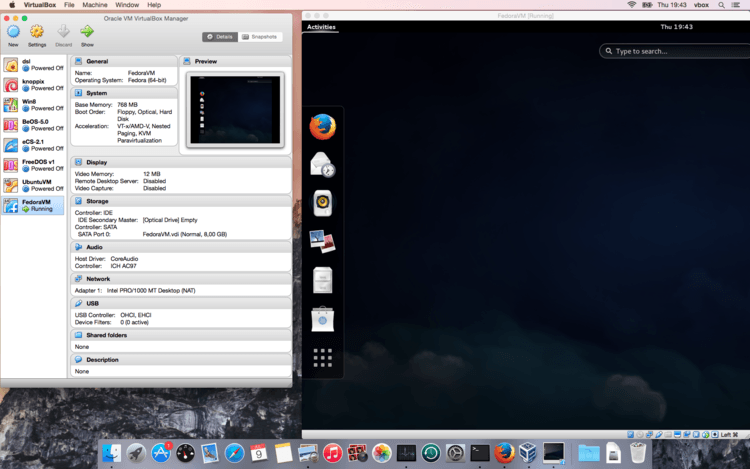
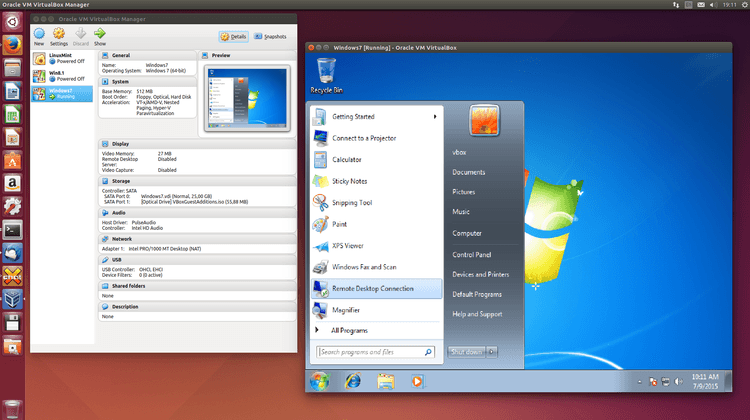
软件截图
更新日志
VirtualBox 7.2.18 (released September 15 2026)
This is a maintenance release. The following items were fixed or added:
- VMM: Fixed Windows 11 on ARM guests crashing with a blue screen after restoring from a saved state
- GUI: Fixed German and Traditional Chinese translations
- Storage: Fixed data corruption in VDI differencing images after writing full blocks of zeroes and reopening the image
- Graphics: Fixed a VM process crash that could occur on Linux hosts with 3D acceleration enabled
- Shared Clipboard: Fixed the first character being removed from filenames when copying files located directly in a filesystem root
- Linux Host: Fixed builds across the RHEL 9.8 file-open API transition
- Linux Host: Fixed builds for AMD systems where FRED is not available
- Linux Host: Fixed issues with Kernel 7.3 compilation
- Linux Host: Preserved the shared DKMS directory during uninstallation
- Linux Host and Guest: Added support for RHEL 10.3 kernel
- Linux Guest: Fixed builds for kernel 6.12.103



这个有快照功能吗
有的