 Puresys纯净系统-软件下载
介绍
NetSarang Xshell,最好用的Linux远程连接工具,免费SSH客户端、主机服务器远程管理客户端 。Xshell,轻松管理远程服务器,会话管理器,支持多选项卡管理主机,支持远程协议Telnet、Rlogin、SSH/SSH PKCS#11、SFTP、Serial,具有Unicode编码支持、动态端口转发、自定义键盘映射、VB脚本支持等特色。
软件截图
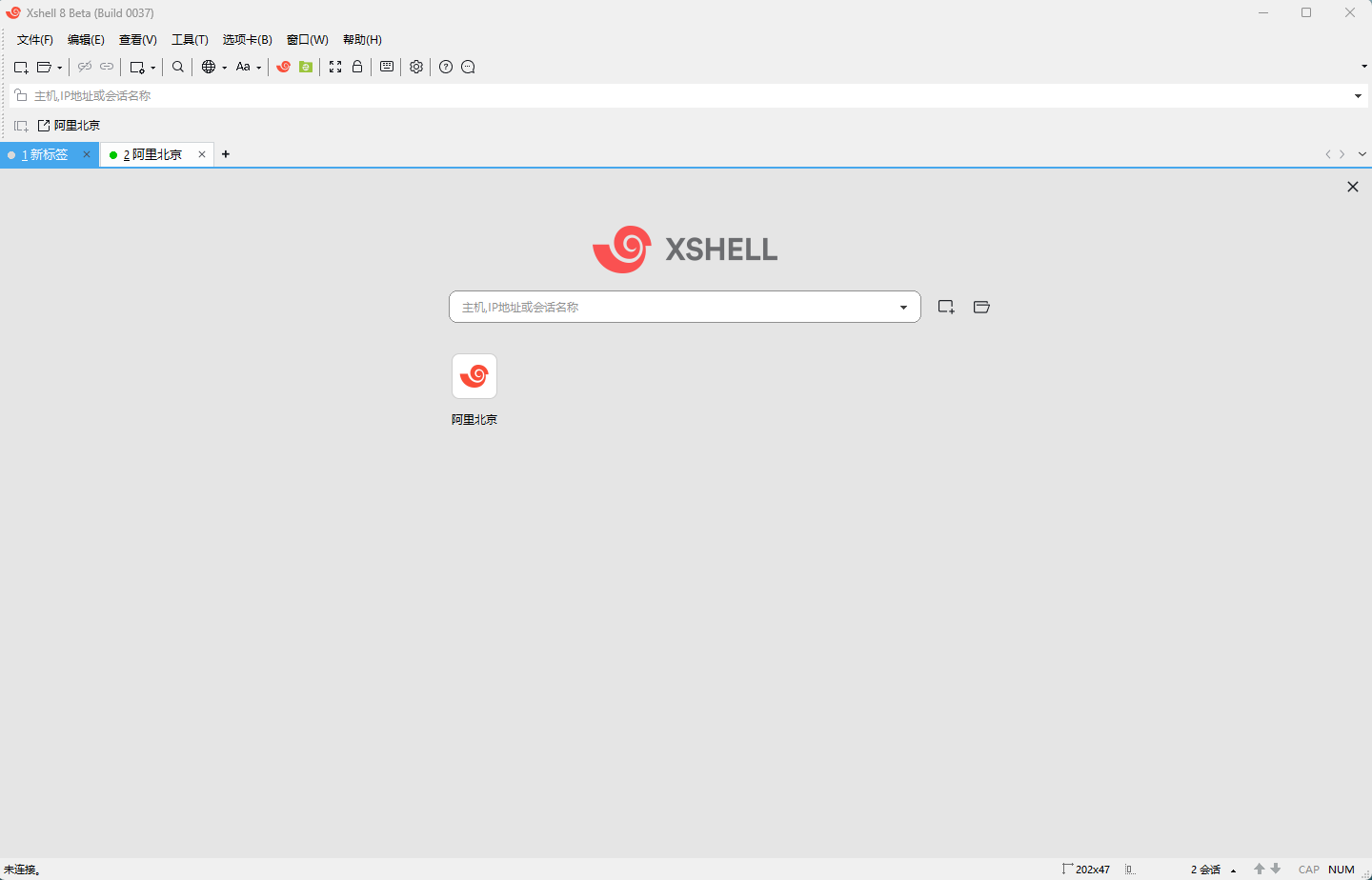
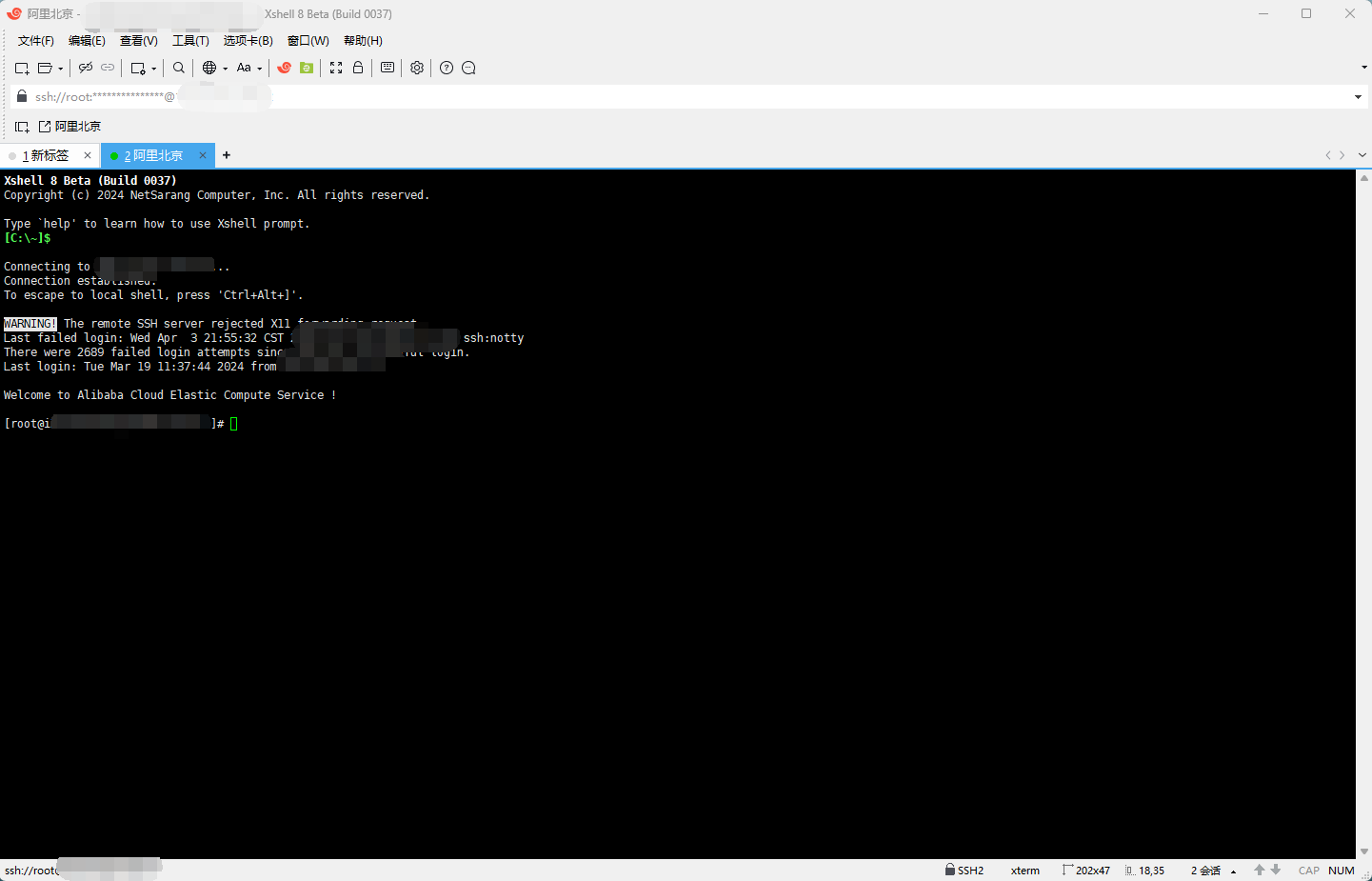
软件特点
NetSarang Computer 致力于全球市场研发、开拓和支持安全连接方案。它提供了业界领先的性能和功能集合,公司主要开发用于PC端的X server和PC-Unix PC-Linux SSH客户端软件。具体软件包含如下:
• Xmanager Enterprise
多合一安全连接解决方案:Xmanager Enterprise 是新的标准化跨平台集成方案。将Xmanager 3D(OpenGL), Xshell, Xftp 和 Xlpd集成在一个包内。
• Xmanager
PC X 服务器:Xmanager 是一个运行在MS Windows平台上的高性能X window 服务器。你能在你本地的电脑同时运行Unix/Linux和Windows图形化程序。
• Xshell
安全终端仿真器:Xshell 是一个运行于MS Windows平台上强大的 SSH, TELNET 和 RLOGIN 终端仿真器。用户可以从Windows PC上安全的访问Unix/Linux主机。
• Xftp
安全文件传输代理:Xftp 是一个运行于MS Windows平台上强大的 FTP 和 SFTP 文件传输软件。Xftp 让你在Unix/Linux和Windows PC间安全的传输文件。
• Xlpd
LPD 打印服务器 for Windows Xlpd是一个运行于MS Windows平台上的 LPD (Line Printer Daemon, 行式打印机守护进程) 软件。有了 Xlpd,你的打印机通过本地电脑成为打印服务器,为网络上各种各样的远程系统提供打印服务。
更新日志
- Xshell 8 Build 0120, Nov 11, 2026
-
- ADD: Colors can now be assigned to Quick Commands to differentiate their execution destination (current session, all sessions, etc.)
- ADD: Option to choose the serial port each time a serial session starts instead of having to pre-define it
- MOD: Added an option to switch automatically between SFTP and SCP when calling the File Manager or Xftp
- MOD: CAPI signing logs are now recorded to the applog
- MOD: Certificate files can now be designated when using OpenSSH certificates
- MOD: Each user can use their own Xagent in a multi-user environment
- MOD: Improved speed when receiving large amounts of data through port forwarding
- MOD: Improved the CAPI authentication flow
- MOD: Increased performance when filtering sessions in the Session Manager
- MOD: Multiple loopback addresses can now be used independently with the same port for tunneling
- MOD: Reconnect option added to the tab context menu
- MOD: Variable-width fonts are now centered in each character cell for better readability
- FIX: Authentication method list appeared enabled for protocols that only use password authentication (e.g., RDP, Telnet, FTP)
- FIX: Crashes and other failures caused by multiple dialog boxes
- FIX: Incorrect Help PDF link
- FIX: Instances where Triggers were incorrectly firing again
- FIX: Jump host prompts appeared as dialog boxes even when the authentication UI was set to terminal-based
- FIX: Multi-line descriptions for Quick Commands did not display correctly in tooltips
- FIX: Offline activation request files could not be generated when the target folder path contained non-ASCII characters
- FIX: OpenSSH certificates did not work with RSA keys
- FIX: OpenSSH keys encrypted with chacha20-poly1305 could not be imported
- FIX: Pasting errors when using GB18030 encoding
- FIX: SSH agent forwarding failed through Fudo PAM bastions
- FIX: SSH connections dropped after a key re-exchange in certain instances
- FIX: Sending string via Quick Commands or Key Mappings was sent as a bracketed paste
- FIX: Session Properties content was cut off on high-DPI displays
- FIX: Text display issues in the fzf program
- FIX: The XshellCore process failed to end in certain instances
- FIX: The sessions dialog box took a long time to load in certain instances


这个用一段时间会需要激活嘛
不会