 Puresys纯净系统-软件下载
介绍
官方网站:https://masscode.io/
MassCode 是一个代码片段管理器,它支持广泛的编程语言,还包括对 Markdown 的支持。MassCode 可用于 Linux、Windows 或 macOS。MassCode 使用Codemirror作为编辑器的基础和.tmLanguage语法高亮的语法。这种串联打开了通向600 多种现有语法的大门。该应用程序目前支持160多种语法。除了.tmLanguage之外,该应用程序还支持.tmTheme主题。还支持Prettier进行代码格式化。
软件截图
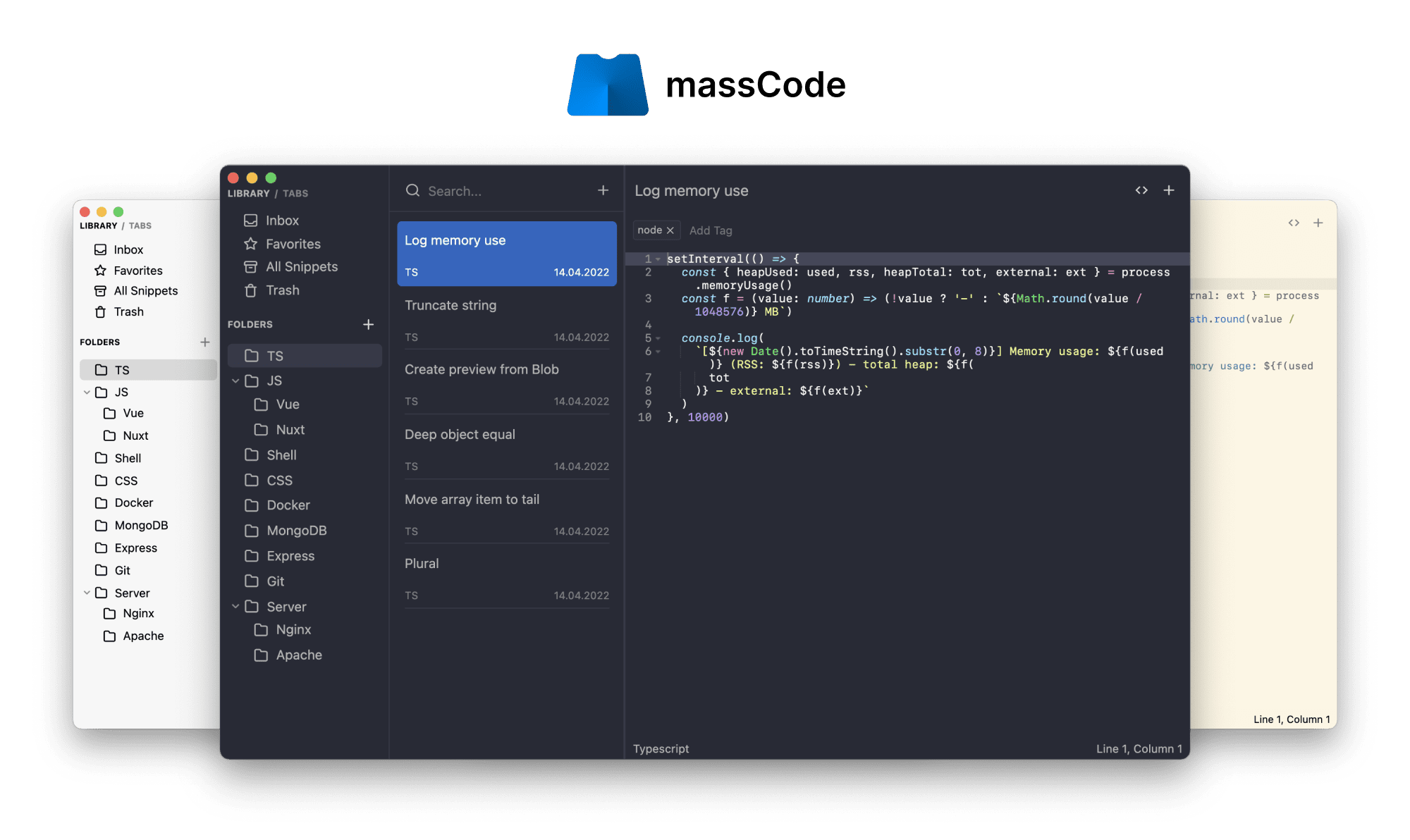
软件特点
多层次的文件夹结构
每个片段都可以存储在片段(标签)中
集成的编码编辑器 Ace
代码格式化或高亮显示
支持带预览的 Markdown
能够搜索片段
给你的代码段添加描述,以了解它的用途
各种深色/浅色主题可用
能够从 SnippetsLab 迁移
自动保存以帮助你保留你的工作
将其与云同步文件夹整合
支持 VSCode、Raycast 和 Alfred 的扩展
更新日志
5.5.0
Tasks In Notes
- Added task notes: tasks now live inside Notes and use the same markdown editor, folders, tags, favorites, internal links, and navigation history.
- Added task properties: status, priority, and due date.
- Added task-focused views in the Notes Library: Tasks, Today, Upcoming, and Completed.
- Tasks can be created with
Cmd+T/Ctrl+T, from the app menu, or from the create menu in the Notes list. - Regular notes can be converted to tasks and back.
- The Notes list now shows task checkboxes, priority, due dates, overdue state, and completed state.
massCode Clipper
- Added massCode Clipper for saving browser content into the local app.
- Added Chrome, Firefox, and Safari builds.
- The Clipper can save:
- selected text as a Code snippet;
- selected text or readable page content as a Note;
- the current page or selected link as an HTTP
GETrequest.
- Added local Integration API authentication through the API port and token in Preferences.
Imports
- Added a shared import workflow with a preview before anything is written to the vault.
- Code imports now support VS Code snippets, Raycast snippets, SnippetsLab, and public GitHub Gists.
- Notes imports now support Obsidian markdown folders while preserving folder structure where possible.
- The import dialog shows the detected source, item counts, folders, tags, and warnings for unsupported source data.
- Import actions are now available from sidebars and the Command Palette.
Interface Improvements
- Added keyboard delete shortcuts for selected items in Code, Notes, HTTP, and Math Notebook.
DeleteandCmd+Backspacenow work in lists and folder trees while avoiding inputs, editors, menus, and dialogs.- Fixed Notes sidebar folder tree overflow.
What's Changed
- docs: add command palette documentation
- feat(imports): add migration importers
- docs(compare): add competitor comparison pages
- docs(website): add imports documentation
- feat(integrations): add massCode clipper
- docs: add clipper
- feat: add keyboard delete shortcuts
- feat(notes): add task properties
- docs(notes): document task notes
- docs(compare): add task manager comparisons
- docs(compare): fix factual errors in task manager pages



有广告。。。。。服了~